How to Protect Your Mobile Device from Security Threats: 10 Essential Security Tips
Mobile devices are among the objects we use the most in everyday life. On average, we touch them more than 2,000 times per day and spend between three to five hours daily using them. Alongside business and personal computers, they represent one of the largest attack vectors. Our phones contain business applications, sometimes business files, most communication apps, social media platforms, banking and financial applications, as well as personal photos and videos, biometric data, and sensitive information about ourselves and the organizations we work for.
Because of how important and vulnerable these devices are, we have prepared several examples of good security practices that can help you avoid the worst-case scenarios.
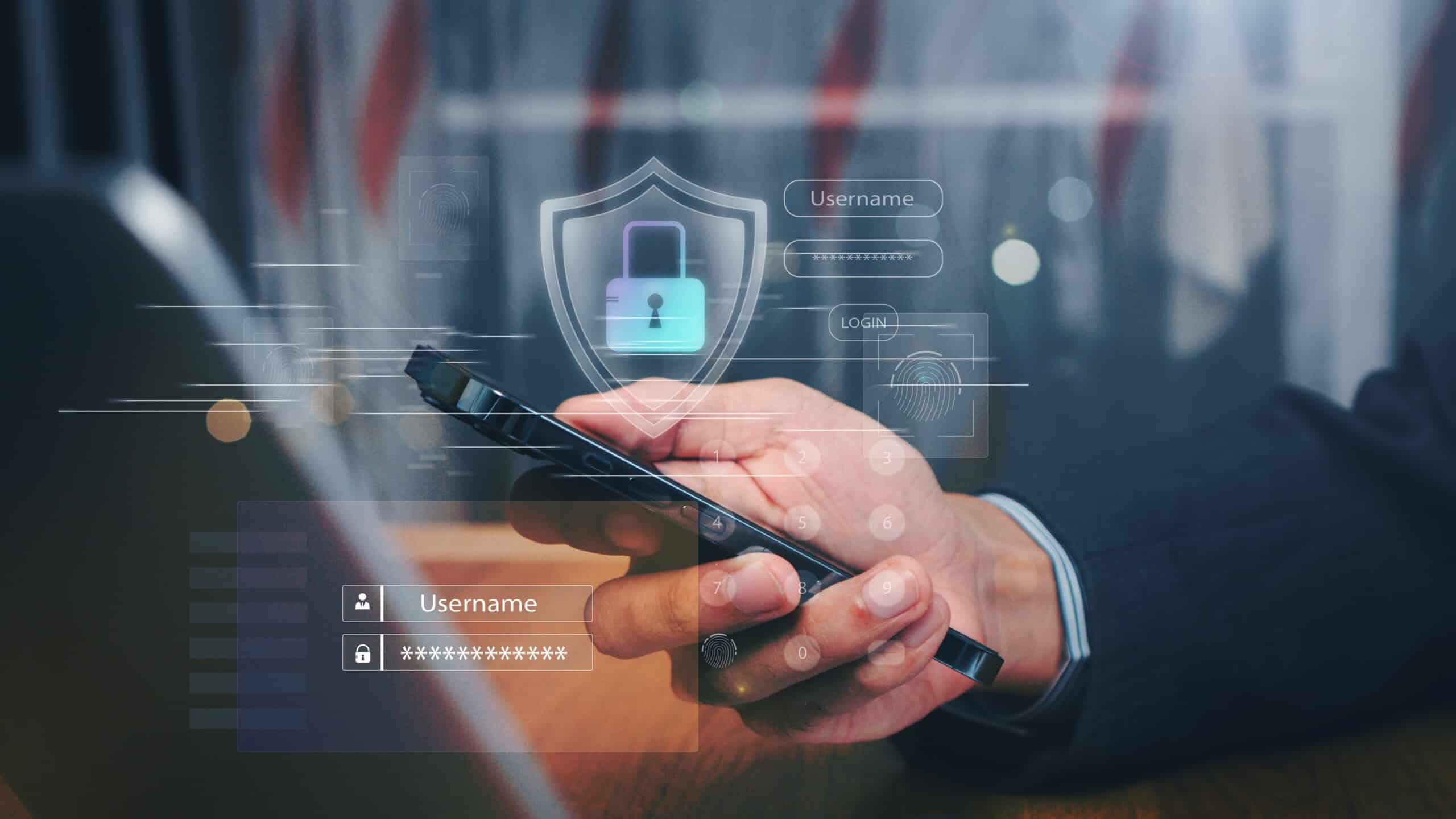
 1. Set Up Screen Lock Protection
 1. Set Up Screen Lock Protection
PIN is the lowest level of protection, a password provides a medium level, while biometrics represent the highest level of protection. Biometrics are unique to you and are therefore recommended as the best protection method for mobile devices. Most modern phones offer fingerprint reading or facial recognition, and it is recommended to use these methods to secure your device.
Want to go deeper on passwords? Read our guide on password security best practices.
2. Install Updates Regularly and Automatically
Operating system updates contain security patches that are essential for the safety of both the system and applications. App updates are equally important, as they fix potential vulnerabilities. As with all updates, it is recommended to enable automatic updates so you always have the latest software version that is not vulnerable to newly emerging threats.
3. Install Applications Only from Official Stores
Install apps only from official marketplaces such as Google Play for Android and the App Store for iOS. Google and Apple apply verification systems to the apps available in their stores, adding an extra layer of protection. It is also possible to disable installation from unknown sources on your device. If installing such an app is necessary, it is recommended to re-enable protection after installation.
4. Grant Only Appropriate Permissions
When installing apps, make sure you grant only reasonable permissions. If a calculator requests access to your contacts, or a weather app requests access to your photos, it is a clear warning sign that something might be wrong. It is also recommended to periodically review app permissions and adjust them according to your needs.
5. Enable Remote Find, Lock, and Wipe Options
Activate options for remotely locating, locking, and erasing your phone. If your device is lost, the first option helps you locate it, the second allows you to lock it if you no longer have access, and the third enables you to remove all settings and data from a device that is no longer available to you.
6. Avoid Public Wi-Fi Networks
When in public, avoid using open and freely accessible Wi-Fi networks. If you must use public Wi-Fi, do so with a VPN. Avoid handling sensitive or confidential information in public spaces, and consider using a privacy screen protector if turning away from others is not possible, in order to prevent shoulder surfing.
Public networks are a common entry point for phishing. Learn how to spot and prevent phishing attacks.
7. Perform Regular Backups
Regularly back up your phone’s data to cloud services such as Google Drive, iCloud, OneDrive, and similar platforms. It is important that these backups are encrypted using the available encryption methods. In case of device loss, you can restore your phone from these backups.
8. Watch for Unusual Behavior
If you notice unusual behavior such as sudden battery drain, new browser tabs opening, missing apps after installation, apps you did not install, or activities you did not initiate, you should run a phone scan.
9. Be Careful with Public USB Charging Ports
Public spaces increasingly offer USB charging ports. These ports can contain skimmers that may access your data or install unauthorized software. When charging your phone in public, use a power adapter instead of plugging a cable directly into a USB port to avoid this risk.
10. Follow Good Security Hygiene
Use all recommended security hygiene measures on your phone: enable multi-factor authentication, use strong passwords, perform regular backups, use a password manager, and report suspicious behavior.
If you’re interested in how security culture extends beyond devices and into everyday teamwork, read more about shared responsibility in information security.
Conclusion
Mobile devices have become essential tools for both personal and professional life, which also makes them attractive targets for cyber threats. By applying simple but consistent security practices, you can significantly reduce risks and keep your data, identity, and organization protected.

Ivan Vedak
Share
More from ASEE

Data Sovereignty vs Data Residency: What Banks Need in 2026
Data sovereignty vs data residency has become a procurement

ASEE Live Voice Bot: Automation Built Into the System, Not Bolted On
ASEE Live Nova, the latest version of ASEE's enterprise

ASEE Supports Montenegro’s Move to Instant Payments
ASEE has successfully implemented its TIPS Clone Financial Gateway solution